
 Service

PLY (Polygon File Format / Stanford Triangle Format)
Jan 23,2026
GISBox is a one-stop 3D GIS data editing, conversion and publishing platform that supports editing in multiple GIS formats such as OSGB/GEOTIFF/RVT, converting to 3DTiles/Terrain and publishing.
Introduction
PLY (Polygon File Format / Stanford Triangle Format) is a file format for three-dimensional data primarily used in 3D scanning and computer graphics. Originally developed at Stanford University, it is characterized by its ability to flexibly describe not only shape information such as point clouds and polygon meshes but also attributes like color, normal vectors, and transparency. With a simple yet highly extensible structure, PLY is widely utilized across research and industrial applications, playing a key role in areas such as 3D modeling, visualization, reverse engineering, and digital preservation of cultural heritage.
File Structure
PLY files are described in either text or binary format and primarily consist of two parts: a header section and a data section. The header section declares the file format (ASCII / Binary), the number of vertices and faces, and the properties included in each element (e.g., coordinates, color, normals). The data section stores the actual data for each vertex or polygon according to the order and type defined in the header. This clear self-describing structure ensures flexibility, allowing custom attributes to be added as needed for specific applications.
Pros
- High Extensibility and Flexibility: In addition to coordinate values per vertex, a variety of attributes such as RGB color, normals, reflectivity, and confidence can be defined, making it suitable for research and experimental purposes.
- Support for Both Point Clouds and Meshes: PLY can be used as either point cloud data or polygon mesh data, making it ideal as an intermediate format or data exchange format for 3D scanning results.
- Readability and Compatibility: The ASCII format allows humans to directly view and edit content. It is also natively supported by many 3D software tools and libraries (e.g., MeshLab, Blender, Open3D).
- Proven Track Record in Academic and Research Fields: PLY has been used for many years in the research community and is widely adopted for sharing data in academic papers and algorithm verification.
Cons
- Tendency for Large File Sizes: Particularly in ASCII format, PLY files can become highly redundant, leading to very large file sizes for large point clouds or high-density meshes.
- Ambiguity in Standard Specifications: While flexible, different implementations may support different properties, which can result in attribute information not being correctly transferred between software tools.
- Lack of Support for Hierarchical Structures or Temporal Data: PLY does not support advanced representations such as scene structures, animations, or time-series data, making it unsuitable for complex 3D content management.
- Inefficient for Compression and Streaming: The standard specification lacks advanced compression or streaming mechanisms, making PLY less efficient for real-time transmission or web-based applications.
Application Scenario
The PLY format is widely used for storing and exchanging point cloud data obtained from 3D scanners or photogrammetry, serving as an intermediate format for visualizing measurement results and verifying quality. In research and education, PLY is often used as a standard data format for algorithm evaluation. In industrial fields, it is applied in reverse engineering, quality inspection, and environmental recognition in robotics. Additionally, PLY plays a significant role in areas requiring long-term shape preservation, such as digital archiving of cultural heritage and architectural structures, as well as storing 3D models generated from medical imaging.
Example
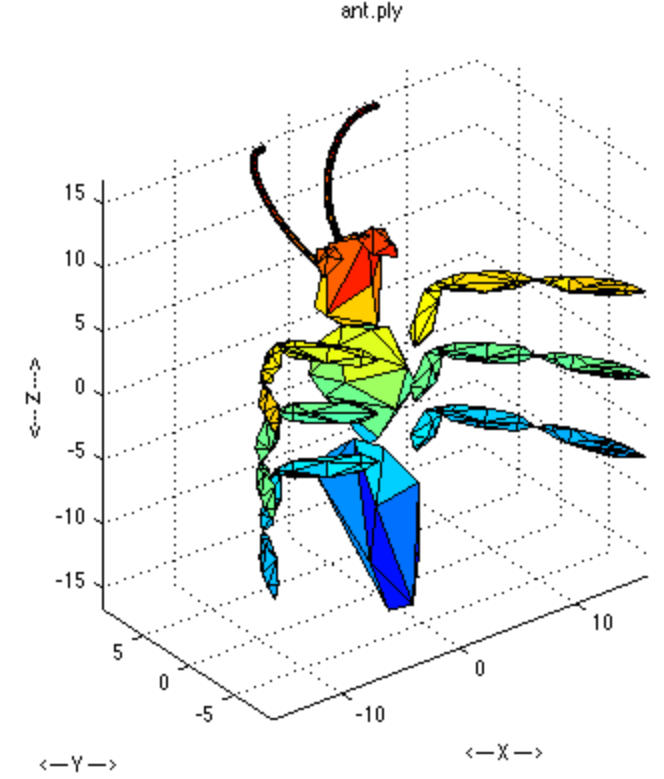
1. PLY sample.
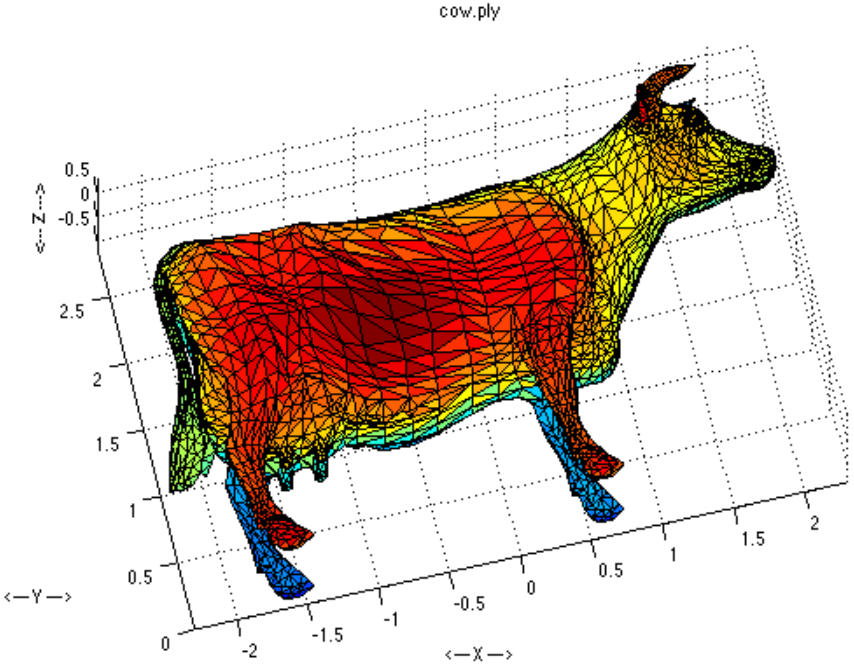
2. PLY sample.
File Opening Mode
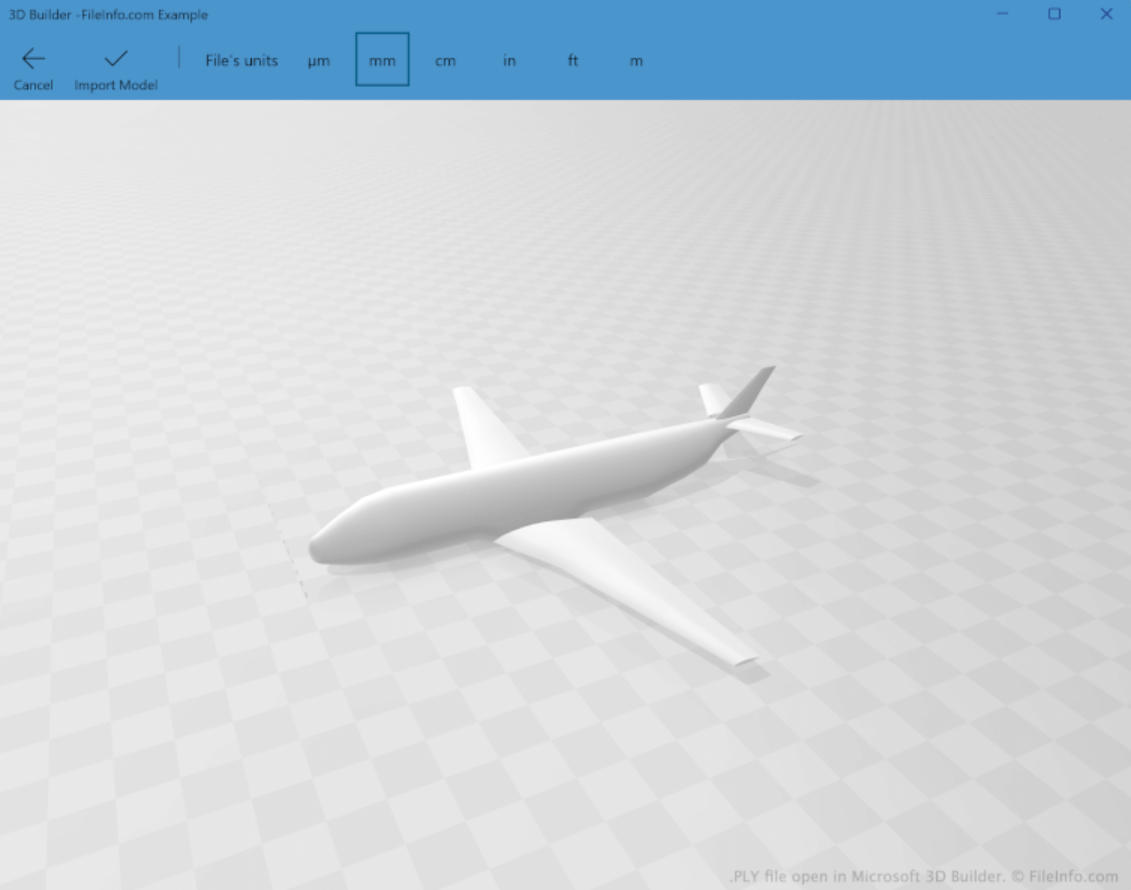
1. Open a PLY file in Microsoft 3D Builder.
Related GIS files
References
- https://en.wikipedia.org/wiki/PLY_(file_format)
- https://paulbourke.net/dataformats/ply/
- https://developer.playcanvas.com/user-manual/gaussian-splatting/formats/ply/