
 Service

USGS EarthExplorer / API
Jan 23,2026
GISBox is a one-stop 3D GIS data editing, conversion and publishing platform that supports editing in multiple GIS formats such as OSGB/GEOTIFF/RVT, converting to 3DTiles/Terrain and publishing.
Introduction
USGS EarthExplorer is an official geospatial data search and distribution platform provided by the United States Geological Survey (USGS). It primarily offers a diverse range of remote sensing and terrain data—including satellite imagery, aerial photographs, digital elevation models (DEM), and land cover data—free of charge. EarthExplorer features a web‑based interface and also supports automated access via an Application Programming Interface (API), providing researchers and engineers with an efficient environment for acquiring and processing large‑scale data.
File Structure
USGS EarthExplorer / API is structured around several functional components that support data search, retrieval, and management:
- EarthExplorer Web Interface: Enables intuitive area selection via map interaction and setting of criteria such as time period, sensor, and cloud cover, allowing visual searches of major datasets like Landsat, Sentinel, ASTER, and SRTM.
- Data Collections: Organizes optical and radar satellite data, elevation models, and terrain/land cover data systematically. Each dataset includes detailed metadata such as acquisition conditions, spatial resolution, and observation periods.
- USGS API (Machine‑to‑Machine API): An official API for programmatically performing searches and downloads, capable of automating authentication, search, ordering, and download management. When combined with Python or shell scripts, it can build workflows well‑suited for bulk data processing.
- Authentication and Account Management: Uses USGS account‑based authentication to manage download history and control access for free data, ensuring stable service delivery.
Pros
- Reliable Official Data Source: As data directly managed and distributed by USGS, it maintains high scientific credibility and can be used with confidence in research and administrative applications.
- Rich Variety of Data Types and Time‑Series Coverage: Offers long‑term observation data such as Landsat archives, enabling multi‑decadal time‑series analysis highly valuable for studying surface changes and environmental dynamics.
- Advanced Automation via API: The API allows automated batch search and retrieval of large volumes of data, facilitating easy integration into remote‑sensing analysis and cloud‑processing pipelines.
- Free Accessibility: Many high‑quality datasets are provided at no cost, significantly lowering financial barriers for research institutions, educational bodies, and individual users.
Cons
- Learning Curve for Operation and Configuration: Using EarthExplorer's search criteria and the API requires a certain level of expertise, which may make the system feel complex for beginners.
- Constraints in Download Management: When downloading large volumes of data, limitations in connection speed or concurrent download counts may require careful planning and scheduling.
- Limited Real‑Time Capability: Primarily focused on archive data, making it less than optimal for applications requiring immediate, real‑time observations.
- Limited Cloud‑Native Support: Although improvements have been made in recent years, it still has constraints compared to dedicated cloud‑optimized platforms in terms of fully cloud‑native data delivery.
Application Scenario
USGS EarthExplorer / API is widely utilized in fields such as geography, environmental science, geology, urban planning, and disaster prevention research. It is well‑suited for land‑use change analysis and monitoring of forests and water bodies using long‑term Landsat imagery, as well as terrain analysis and flood/landslide risk assessment using DEM data. Additionally, by leveraging the API, it can be effectively integrated into workflows that prioritize reproducibility and automation—such as large‑scale remote‑sensing analysis in research institutions or corporations, data collection for AI/machine learning, and routine data updates for GIS systems.
Example
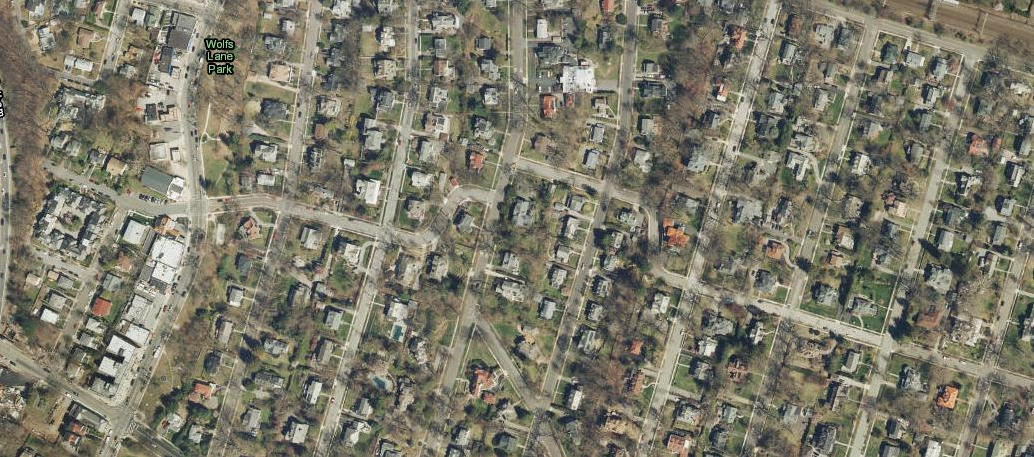
1. EarthExplorer Interactive Map.
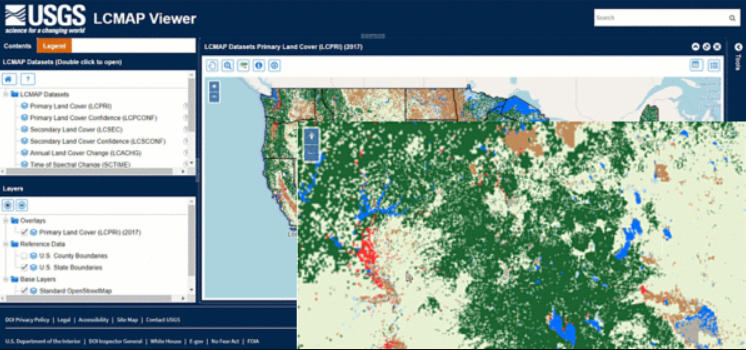
2. On the Data Download Panel, select the desired product and product year.
File Opening Mode
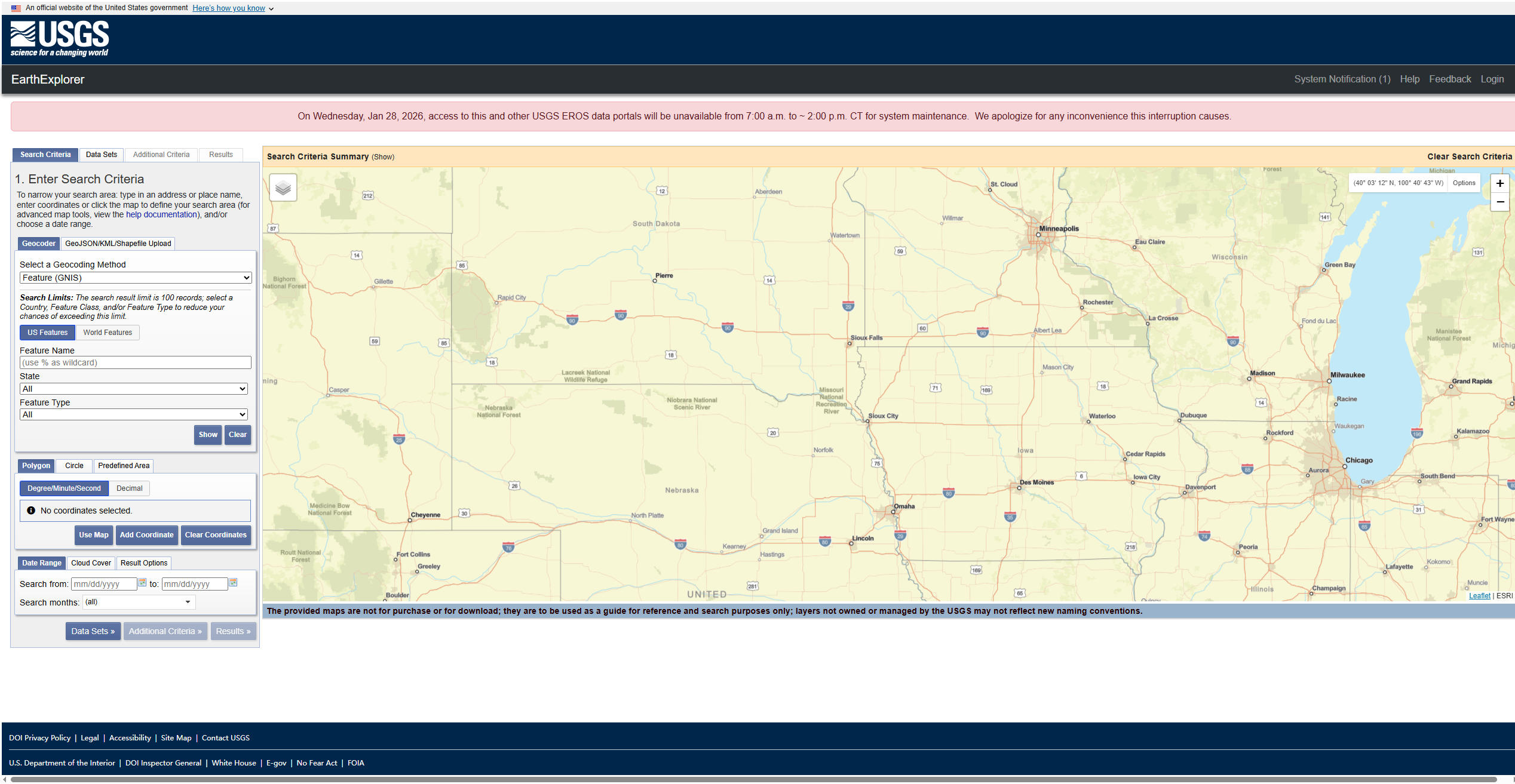
1. Download Landsat data from EarthExplorer.
Related GIS Services
References
- https://earthexplorer.usgs.gov/
- https://gis.stackexchange.com/questions/341330/get-zoomed-in-images-with-the-earthexplorer-api
- https://gisgeography.com/usgs-earth-explorer-download-free-landsat-imagery/